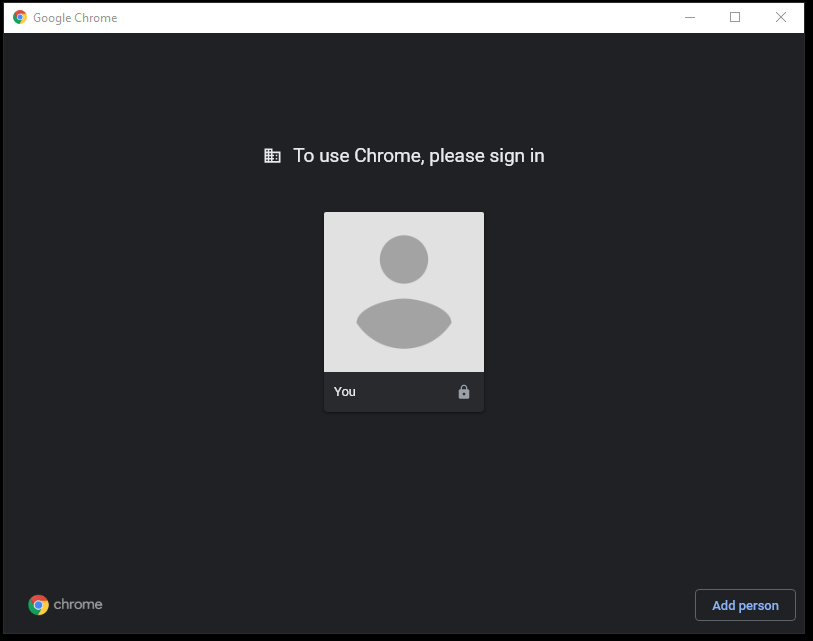
Staff and students are required to sign in to Google Chrome using their HP email address when using HP computers. If you use multiple computers, you will need to sign in on each one.
To Sign-in to Chrome:
- Sign out of all other accounts by "Removing the Person."
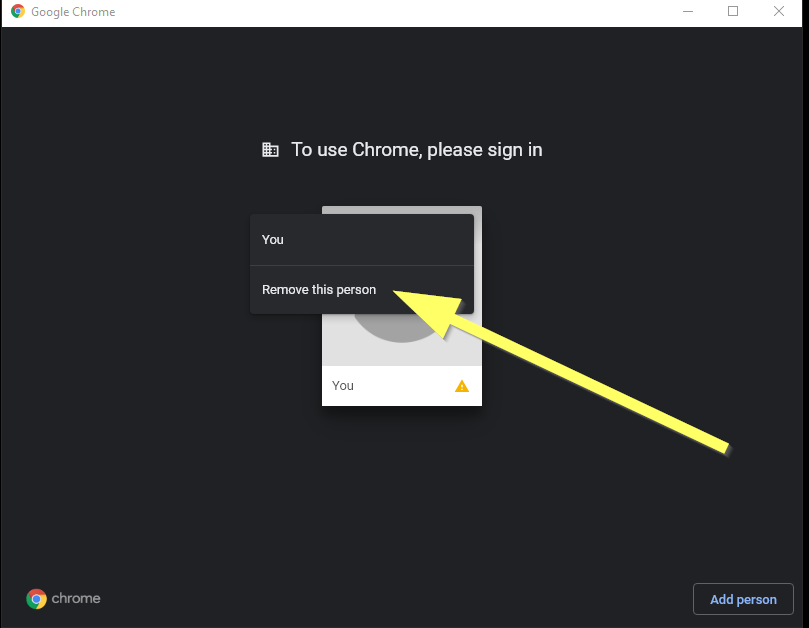
- Click the "You" profile picture.
- Sign in with your @hamptonpark.org or @students.hamptonpark.org email address and password.
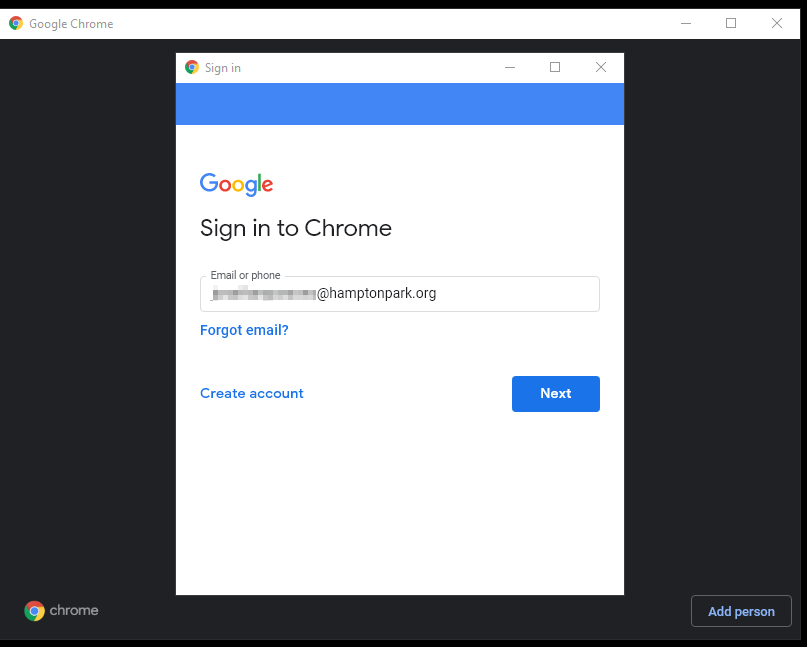
- When asked if you want to sync, click "Yes I'm in."
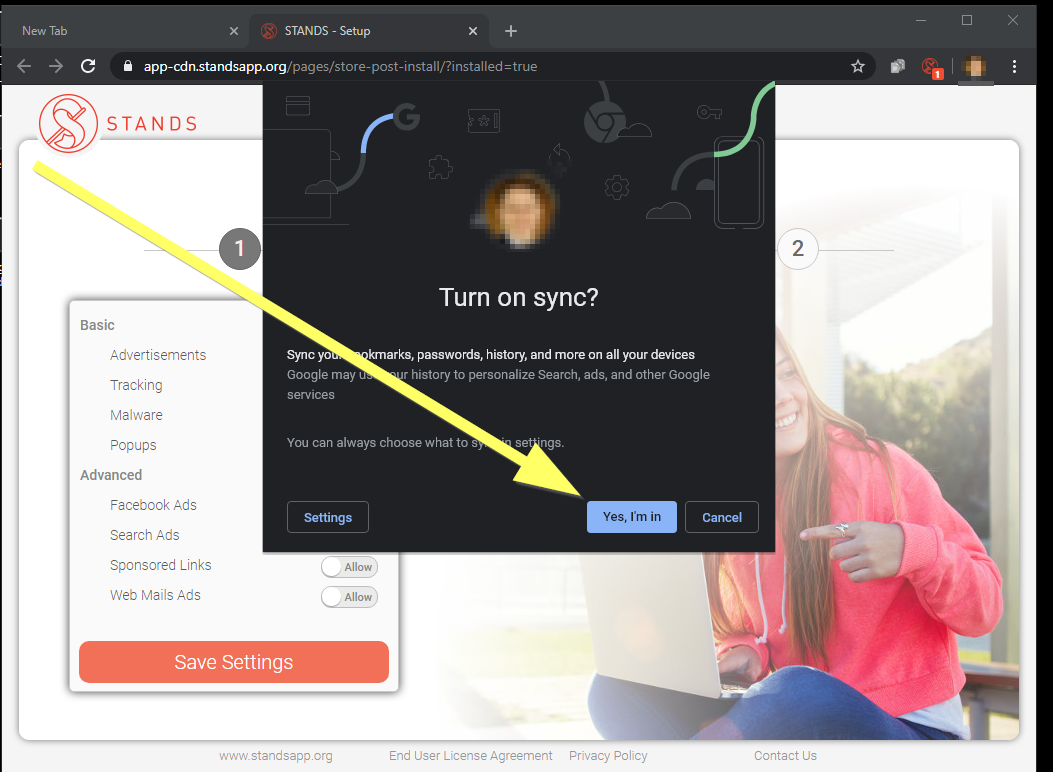
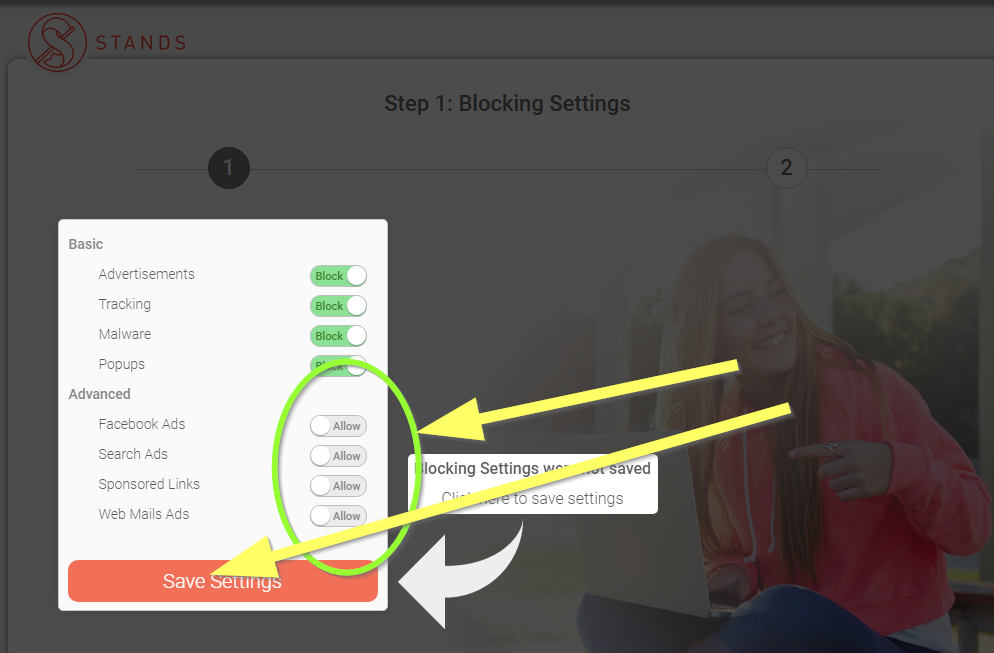
- On the STANDS page, choose "Block" for the last four options and click Save Settings.